이렇게 작동해요 See It In Action
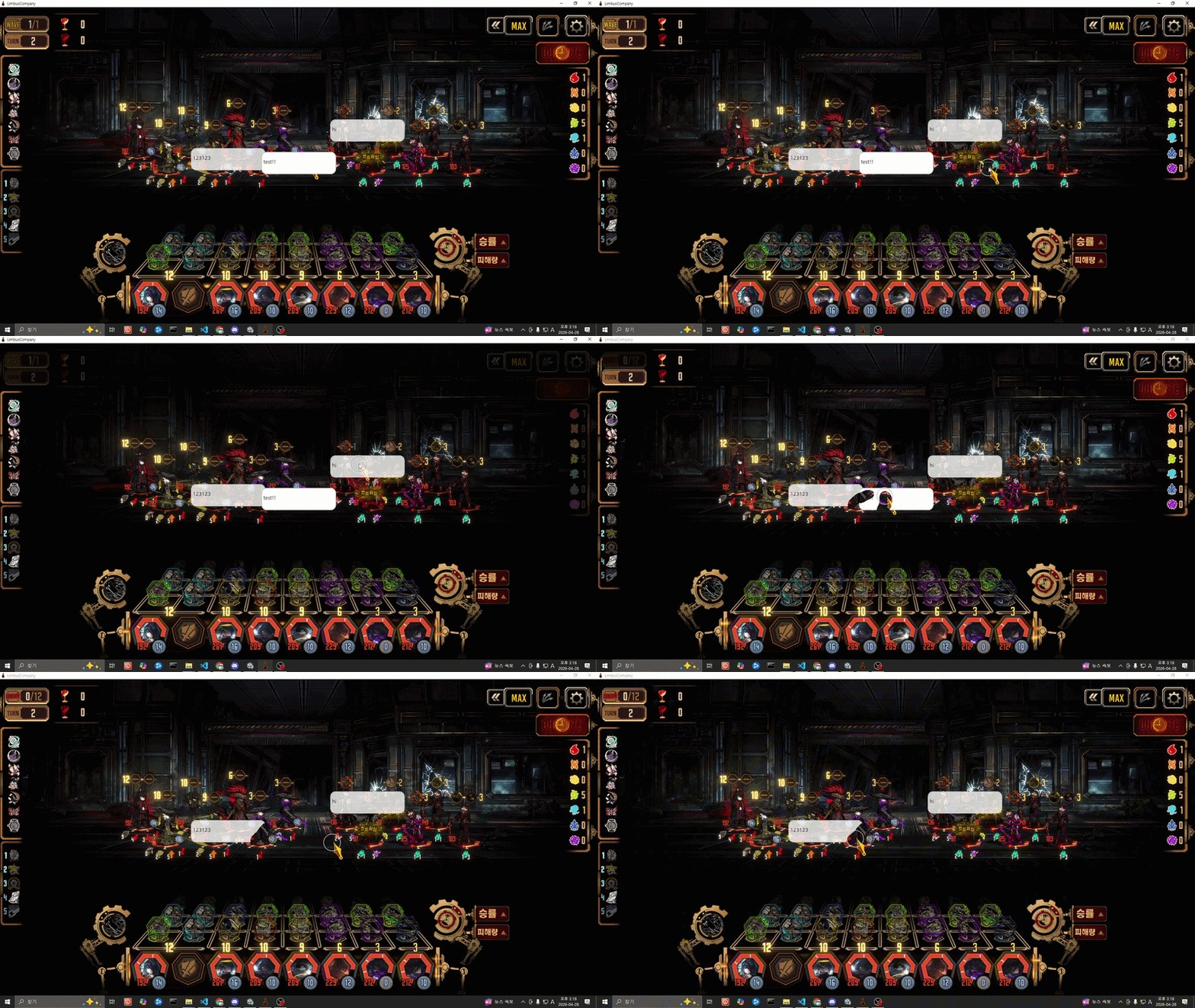
채팅이 말풍선으로 뜨고, 지우개로 문질러 없앨 수 있어요 Chat appears as bubbles — swipe to erase them
채팅을 말풍선으로 띄우고, 지우개로 문질러 없애세요.
Chzzk · Twitch · YouTube 동시 연결. 무료.
Pop, erase, and play with your stream chat as desktop bubbles.
Chzzk · Twitch · YouTube. Free.
채팅이 말풍선으로 뜨고, 지우개로 문질러 없앨 수 있어요 Chat appears as bubbles — swipe to erase them
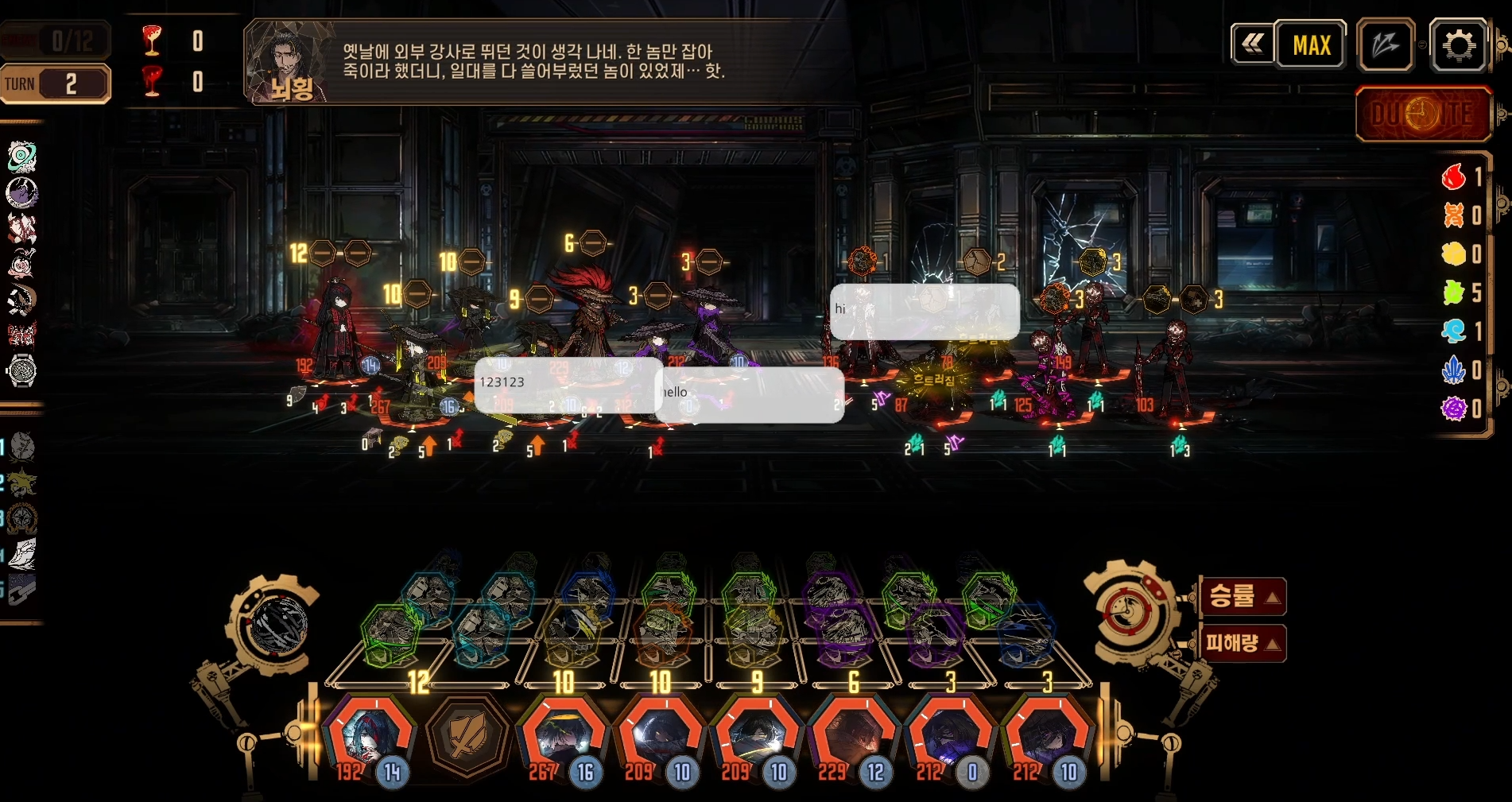
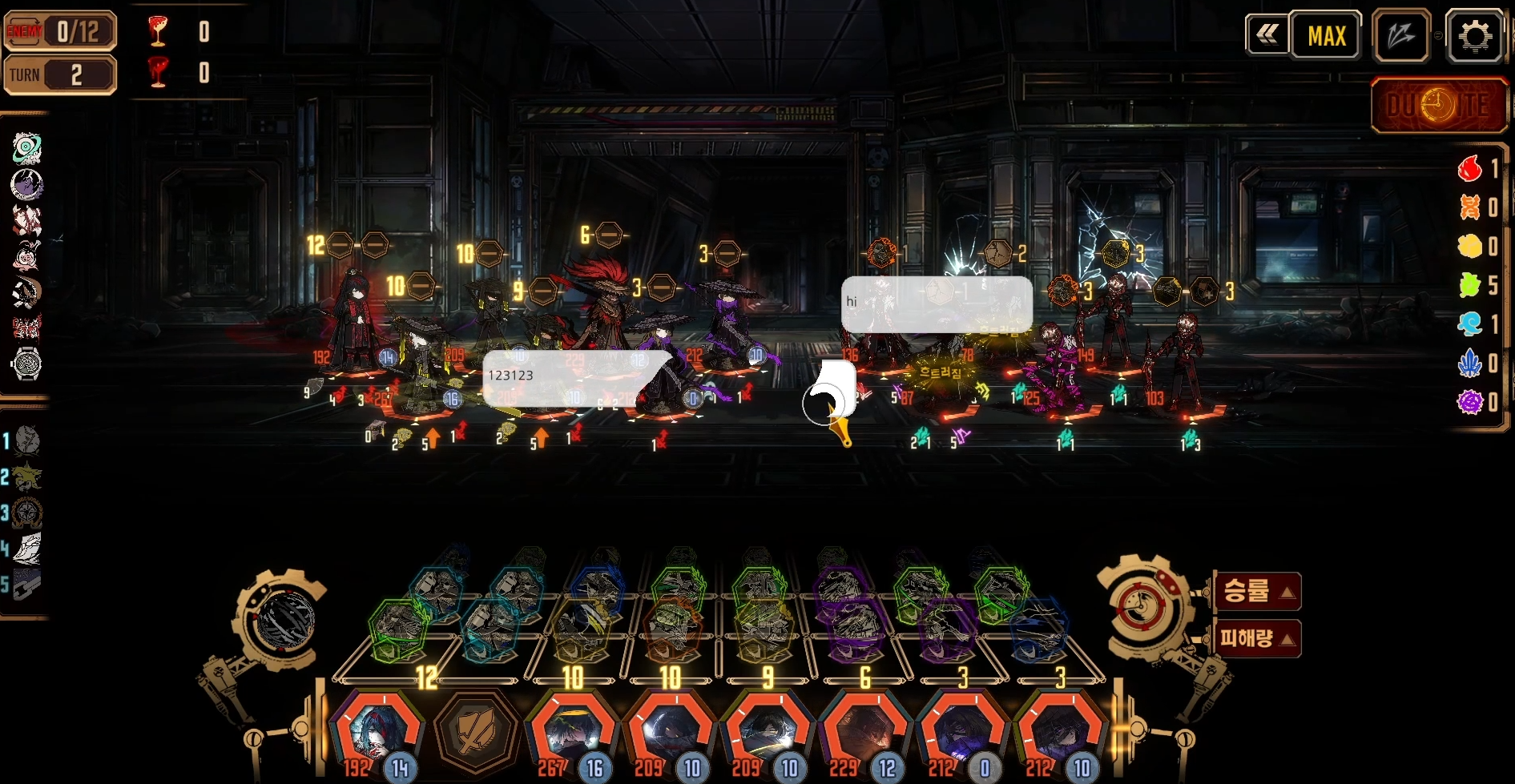
어떤 게임 위에서든 채팅 말풍선이 자연스럽게 떠다닙니다 Chat bubbles float naturally on top of any game
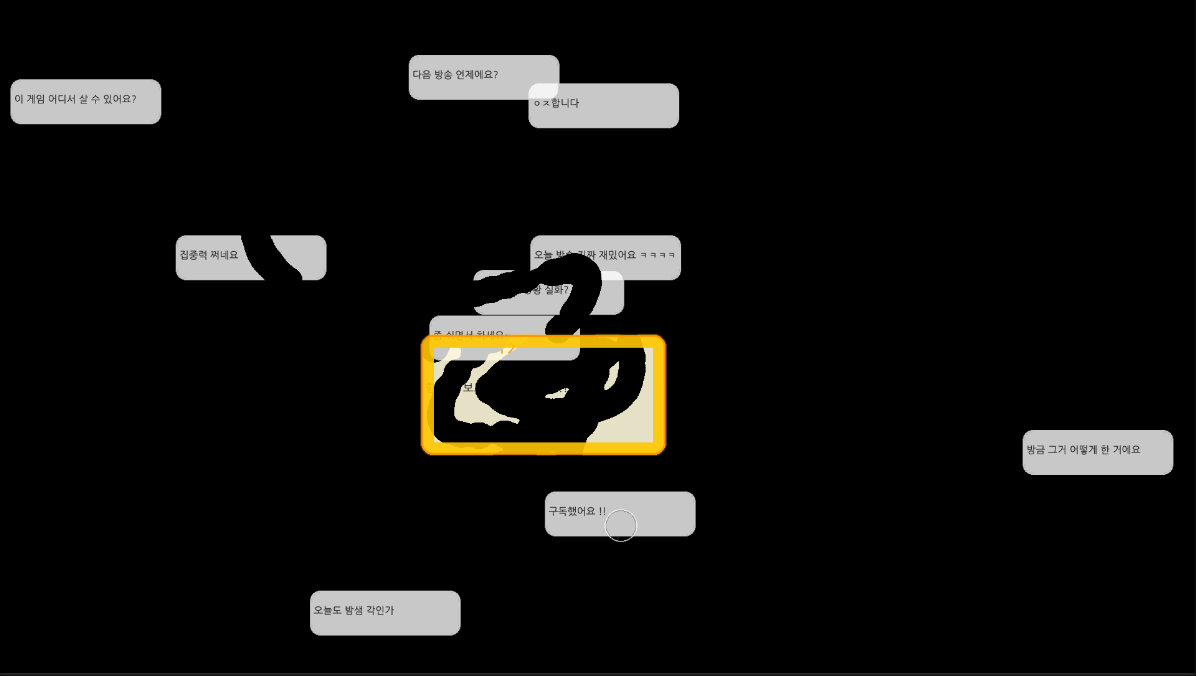
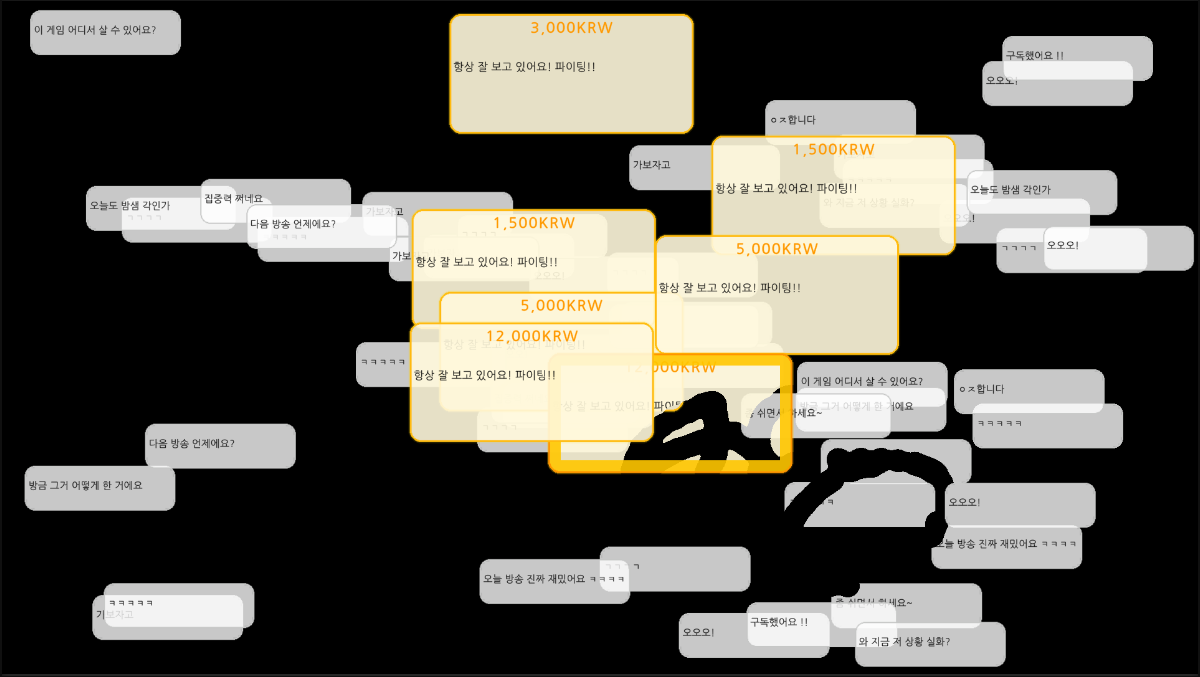
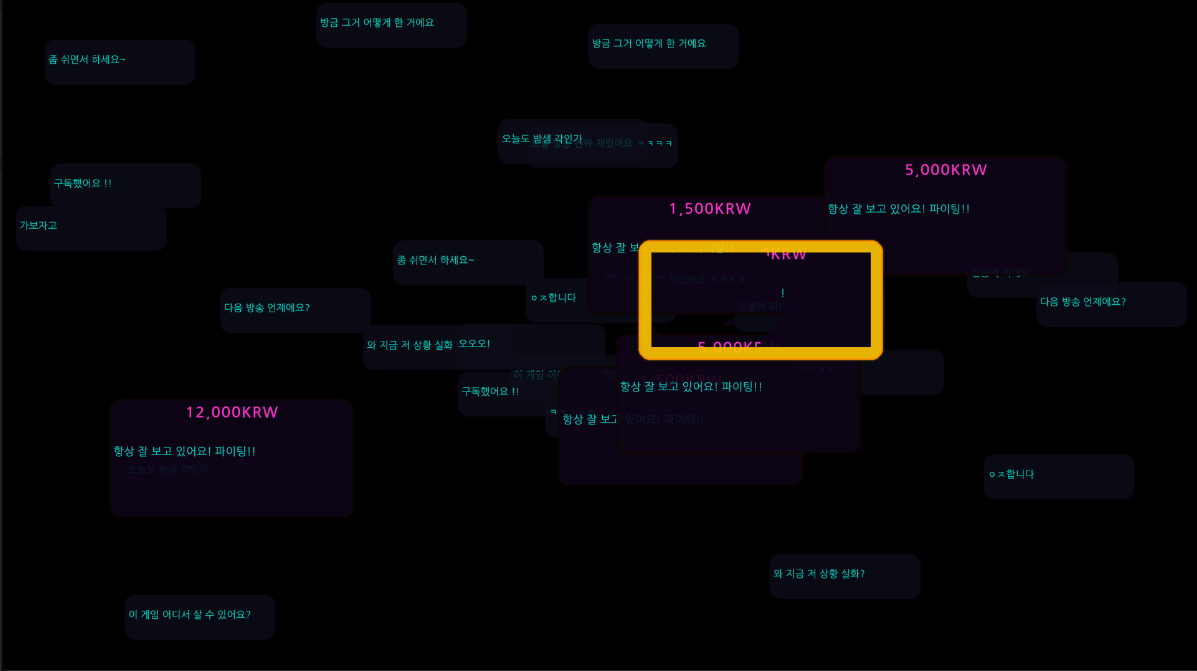
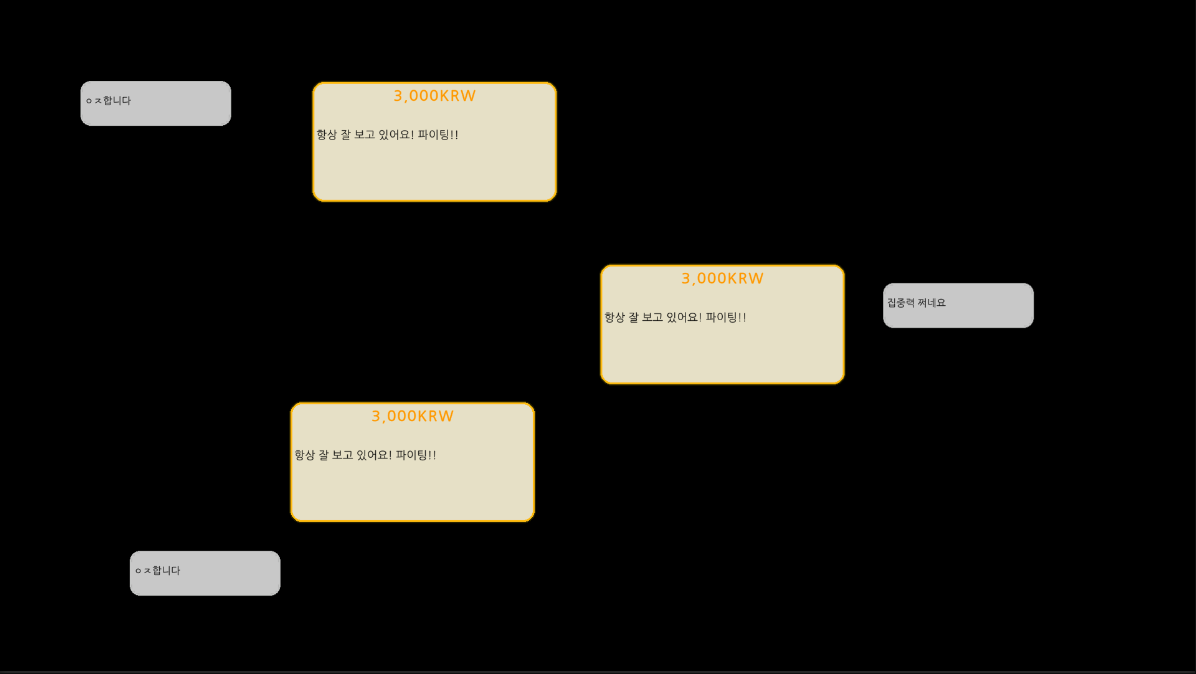
채팅이 데스크톱 위에 말풍선으로 떠다닙니다. 게임 창, OBS 어떤 것 위에서든 항상 최상단. Chat messages float as speech bubbles on your desktop — always on top of any window.
말풍선 위를 문질러 없애세요. 방송 중 소소한 인터랙션이 됩니다. 단축키(F4)로 켜고 끄기. Swipe over bubbles to erase them — a fun interaction during your stream. Toggle with F4.
기본, 다크, 네온, 파스텔, 미니멀. 직접 이미지를 넣어 나만의 말풍선도 만들 수 있어요. Default, Dark, Neon, Pastel, Minimal — or create your own with custom bubble images.
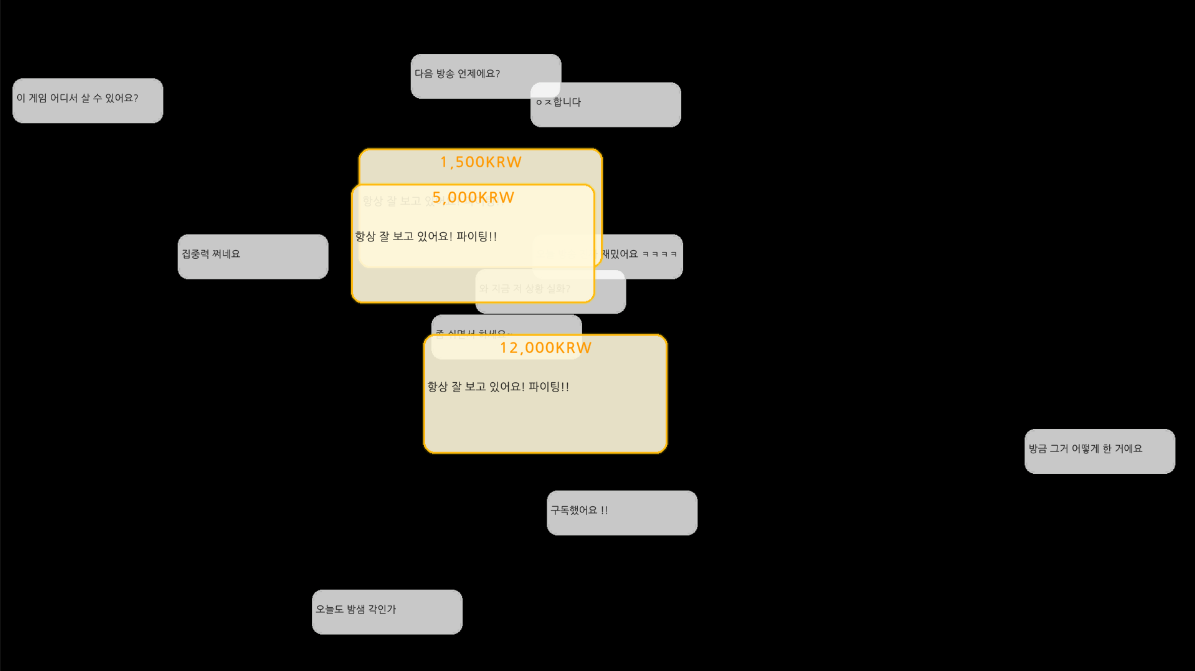
설정한 금액 이상의 후원은 크고 눈에 띄는 특별 말풍선으로 표시됩니다. Donations above your threshold get a special large bubble so they never get lost.
세 플랫폼 동시 연결. OAuth 로그인 한 번이면 채팅이 바로 연동됩니다. Connect all three platforms simultaneously with a single OAuth login each.
내장 로컬 서버가 브라우저 소스 URL을 생성. OBS에 바로 추가할 수 있어요. Built-in local server generates a browser source URL you can add directly to OBS.
위 버튼을 눌러 zip 파일을 받으세요. Click the button above to get the zip file.
→원하는 폴더에 압축을 풀어주세요. Unzip to any folder you like.
→let me free.exe를 실행하고 튜토리얼을 따라가세요. Run let me free.exe and follow the tutorial.
추가 정보를 클릭하세요.
When you see "Windows protected your PC", click More info.
실행 버튼을 클릭하면 정상 실행됩니다.
Click the Run anyway button that appears at the bottom.